Project Broadcast Integration
Connect two of the industry’s most powerful field solutions so sellers can turn Hussle engagement into Project Broadcast campaign follow-up without leaving their workflow.
See A Demo
Request a demo
Track Engagement and Follow Up Smarter
Hussle helps sellers see who is engaging with their content, what they are interacting with, and where follow-up should happen next.
With Project Broadcast connected, sellers can use that insight to add contacts to campaigns, send relevant messages, and follow up with more context. The result is a cleaner path from content engagement to seller action.
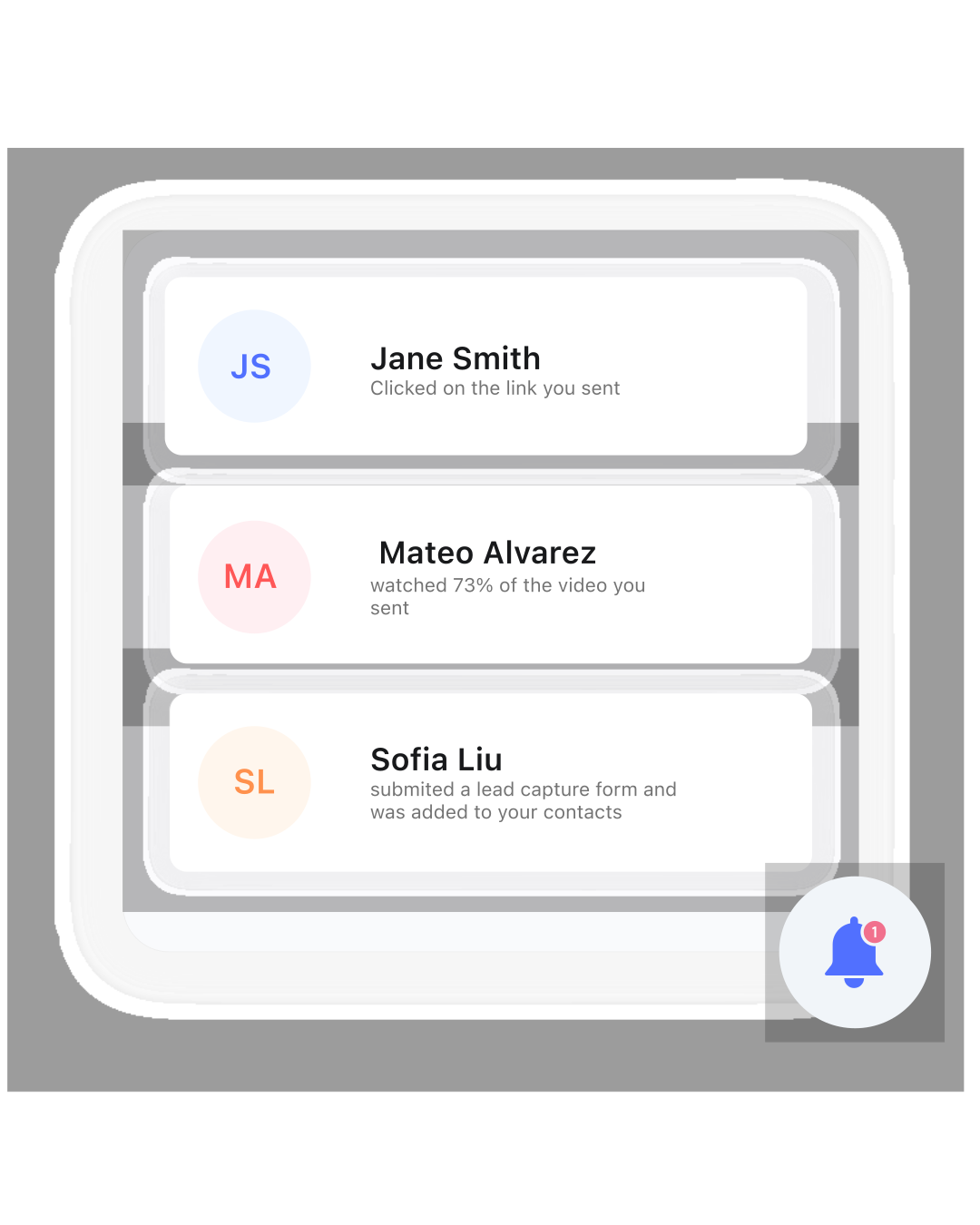
Fully Integrated With Hussle Ecosystem
The Project Broadcast integration is designed to support the Hussle experience, not replace it.
Sellers continue using Hussle as their central hub for contacts, content, sharing, engagement, shopping experiences, and field activity. Project Broadcast supports the communication layer for teams already using it, helping sellers turn Hussle activity into timely campaign follow-up.
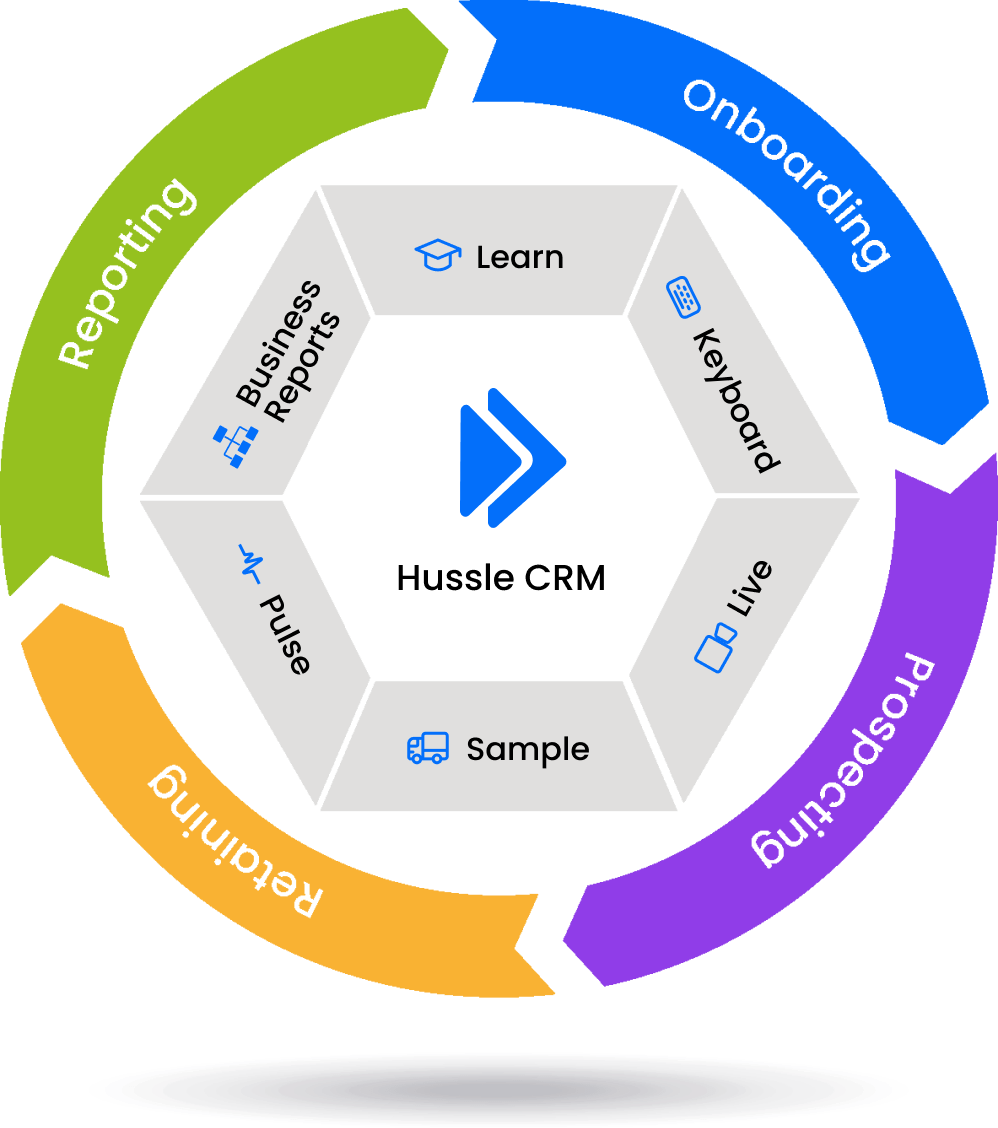
Campaign Follow-up From Inside of Hussle
Hussle gives sellers one place to manage contacts, share content, drive engagement, and take action. For organizations using Project Broadcast, Hussle brings campaign and messaging actions into the seller workflow so teams can follow up faster without jumping between disconnected tools.
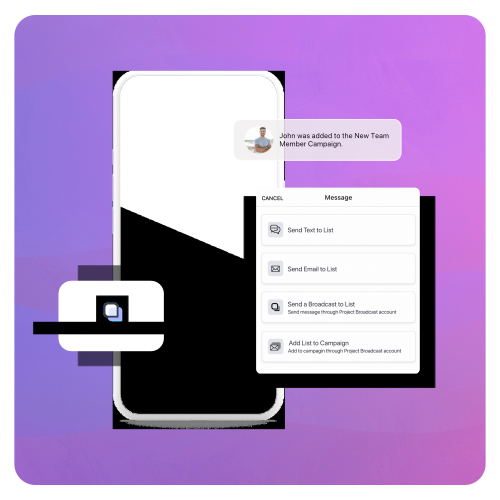
Sellers can add contacts to campaigns, send messages and media, and move outreach forward from the places they already work inside Hussle.
FAQ's
User Setup
-
How do I connect Project Broadcast inside Hussle?
When enabled by your company, Users can connect Project Broadcast through the Hussle app.
The general setup flow is:
- Open your companies app.
- Go to Settings.
- Select Integrations.
- Choose Project Broadcast.
- Log in to your Project Broadcast account or connect the account your company has approved.
- Once connected, supported Project Broadcast actions will become available inside Hussle.
Your exact setup experience may vary depending on how your company has configured access, permissions, campaigns, and Project Broadcast accounts.
*For accounts without access enabled, please reach out to your corporate team and request the integration be enabled. -
Do I need a Project Broadcast account to use the integration?
Yes. To use Project Broadcast actions inside Hussle, you need access to a Project Broadcast account.
Hussle provides the connected seller workflow, but Project Broadcast messaging and campaign actions require the appropriate Project Broadcast account, permissions, and campaign setup.
Some companies may have users connect their own Project Broadcast accounts. Others may manage access through a corporate setup. Your company’s configuration will determine the exact process.
-
Where will I see Project Broadcast actions inside Hussle?
Project Broadcast actions are designed to appear in the places where sellers already work inside Hussle.
Depending on your company’s configuration, you may see Project Broadcast actions in areas such as:
-
Contact cards
-
Contact lists
-
Campaign actions
-
Content sharing flows
-
Engagement views
-
Integration settings
The goal is to help you take the next step without leaving the Hussle workflow. Instead of copying contacts into another system manually, supported actions can be started directly inside Hussle.
-
Using the Integration
-
What can I do with the Project Broadcast integration?
Depending on your company’s setup, you may be able to use the integration to:
Add individual contacts to Project Broadcast campaigns
Add full contact lists to Project Broadcast campaigns
Send messages through Project Broadcast
Send media or your companies content through Project Broadcast
Take action from a contact card
Take action from a list view
Use engagement data to guide follow-up
Reduce manual exports, uploads, and duplicate entry
The specific actions available may depend on your company's offering package, Project Broadcast setup, user permissions, and corporate configuration.
-
How does this help me follow up better?
The integration helps you follow up with more context.
Hussle shows you contacts, shared content, and engagement activity. That helps you understand who may be interested and what they interacted with.
Project Broadcast then supports the messaging or campaign action. Instead of guessing who to follow up with or manually tracking activity in another system, you can use Hussle engagement as a signal for your next step.
This helps you follow up faster, stay more organized, and avoid missing people who are showing interest.
-
Can I add a full list of contacts to a Project Broadcast campaign?
Yes, if your company has enabled that workflow.
In supported configurations, Hussle users can add a full contact list to a Project Broadcast campaign directly from inside Hussle. This is useful for event follow-up, product campaigns, prospect nurturing, customer re-engagement, recruiting workflows, or any situation where a defined group of contacts needs a consistent follow-up sequence.
This helps remove manual work. Instead of exporting a list, uploading a spreadsheet, and rebuilding the audience elsewhere, you can use the contacts and lists already organized in Hussle.
Have more questions? Send Us a Message
If you don’t find an answer to your question, contact us, and our team will get in touch with you. We’re committed to providing excellent customer service and addressing any questions you may have.